Map machines to tickets
RemediateDesk will not guess which computer a ticket is about. You tell it once, and it remembers.
Why this step exists
A ticket names a configuration item, which is the PSA's record of an asset. The agent runs on a machine. Nothing in the data ensures the two line up, and acting on the wrong computer is worse than not acting. So a ticket is skipped, not guessed at, until a person has linked its configuration item to a machine.
Link them
- Open Apps, choose Autotask and go to the Mappings tab.
- Each configuration item is listed with a picker for the machine. Choose the right machine and save.
- Where names clearly match, RemediateDesk suggests a link. A suggestion carries a mark asking you to confirm it. Confirm the ones that are right and change the ones that are not.
The list can be filtered to all items, mapped ones, unmapped ones, or those needing review. It is a saved copy of the names in Autotask, refreshed about once a day, so an asset you created this morning may not be listed until you use the refresh button on the tab.
Find what is missing
The Notifications page has an Unmapped tab, which lists machines not linked to any ticket asset, and a Check mappings tab. The second one appears when several assets point at one machine, or an asset belongs to another client's company, because tickets could then be routed to the wrong place.
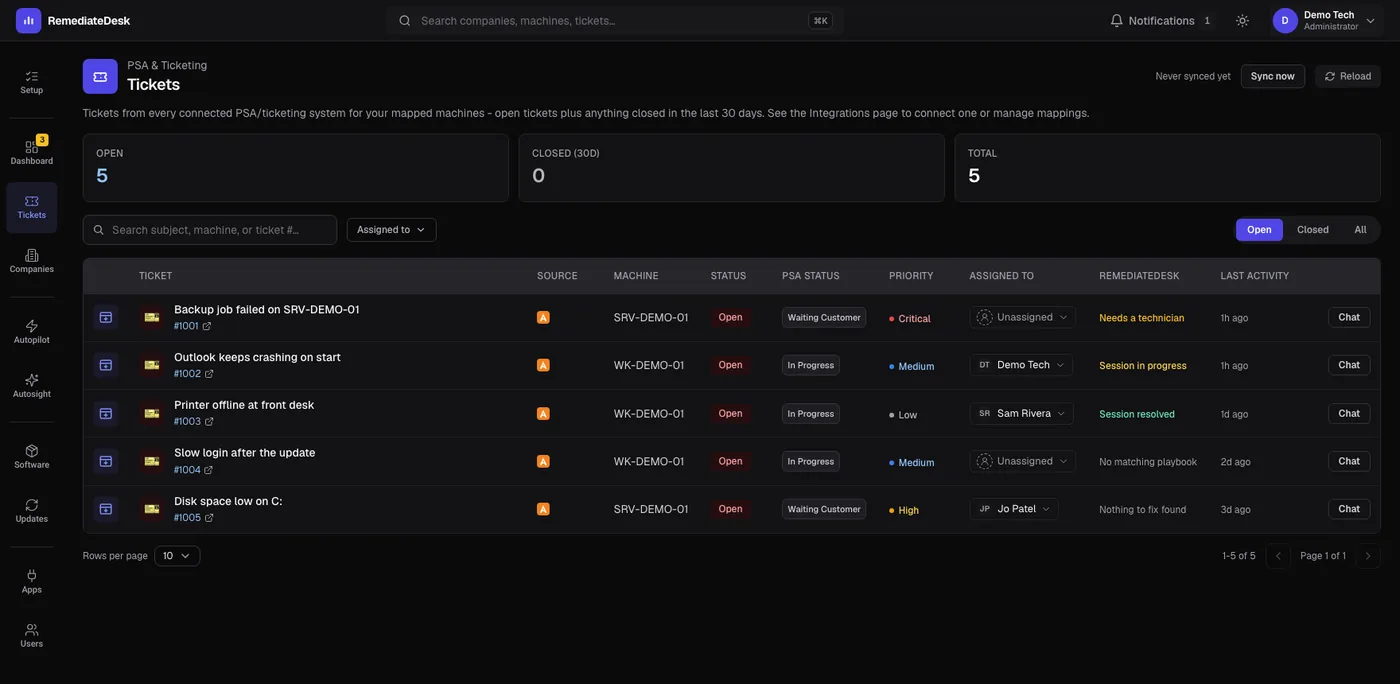
On the Tickets page, a ticket whose machine is not known shows the button "Agent not installed - fix mapping". It takes you straight to the Mappings tab.